
01Brand kit
Brief
Describe what you make once: a product, a channel, a topic or a story, plus your logo, colours and voice.
Posts to 7 social networks
Ads, explainers, science, kids' videos, faceless channels, or your own uploads. Clips writes it, voices it, films or animates it, captions it and posts it on schedule to Instagram, TikTok, YouTube, LinkedIn, Facebook, Threads and Pinterest.
Free to start. No card needed.
Sample brand Ember Roasters · footage by Lunar Motion 2.5 on Lunar Labs Studios · AI voice · edited by Clips
What it makes
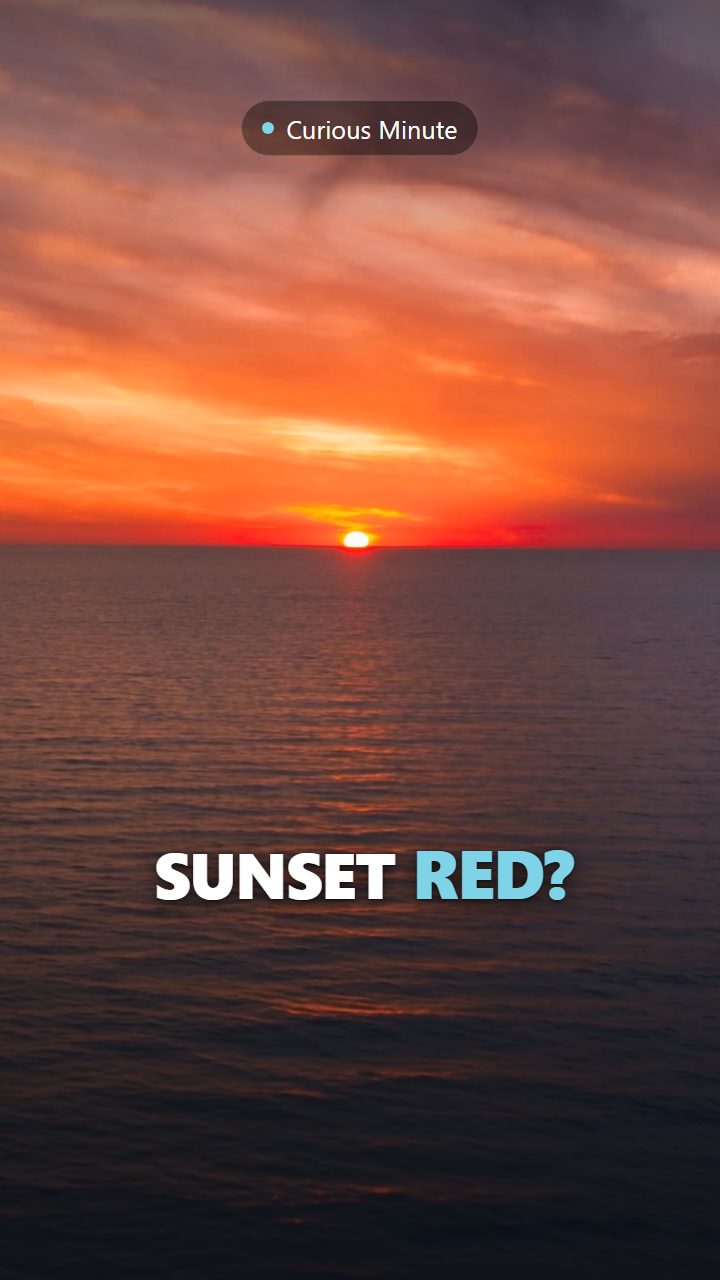
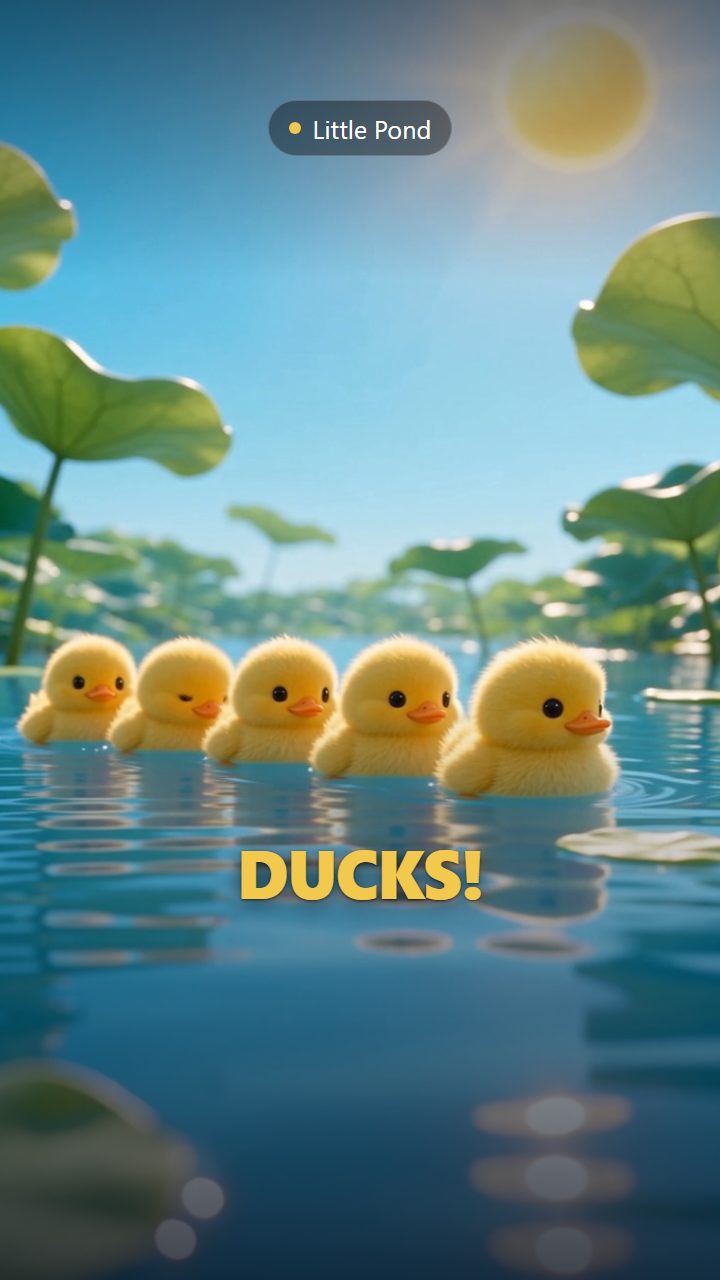
One place to make every kind of vertical video and post it everywhere. Filmed with AI, animated, or uploaded by you. Pick a format to watch a sample.
Product and brand ads with filmed scenes, a voiceover and a call to action.
Sample channel Ember Roasters · 12 seconds · AI voice
Languages
Pick a language and Create with AI writes the narration, on-screen text, title and call to action in it, the way a native speaker writes for social video. Brand and product names stay as they are.
العربية
How it works
You describe the product once. After that, each video starts from a prompt or an upload, and Clips voices, captions and posts it in your slots.
Describe what you make once: a product, a channel, a topic or a story, plus your logo, colours and voice.
The AI director plans the video beat by beat, opening on a hook built for the first two seconds and ending on your call to action.
An AI voice reads the script, and the captions follow it word by word for people watching on mute.
AI-filmed scenes from Lunar Labs Studios or animated templates, cut for the vertical feed with sound effects and music. Or upload your own.
Pick posting slots, like 10:00 and 18:00 in your time zone, on any of 7 networks. Every post waits for your approval first.
Each post's link comes back to your calendar. Where a network shares numbers with Clips, views and engagement follow, and Analytics finds your best times.
Try it now
Pick a kind of channel, rewrite the first line and watch the clip rebuild. It's a real Clips template rendering in your browser, the same one that renders the finished video.
Rendering live · 1080×1920 · 9 seconds. Captions stay clear of the app's buttons.
Results
Where a network shares numbers with Clips, they come back on their own, and Analytics turns them into what to make next and when to post it.
The numbers
Views, likes, comments and shares, plus reach, saves and watch time where the network shares them.
What worked
Posts grouped by video length, template, hashtags and caption length, with the leader in each.
Best times
The hours your own posts did best, once there are enough of them to trust.
Every post, one place
Each published post links back to the network from your calendar.
On the way
Platforms
Every network through its official login, never a password shared with a bot. Captions, hashtags and titles are fitted to each one before anything is scheduled.
7
networks on every plan
Free included. 6 of them post automatically at your slot times. On TikTok the video goes to your inbox and you tap Post.
Guardrails
Any short vertical video: ads, explainers, science and how-tos, kids' content and faceless channels, voiced and captioned in your style. Or upload videos you already have and let Clips caption, schedule and post them.
Yes. Upload your own videos and Clips adds captions if you want them, writes the post text, schedules them into your slots and tracks how they do, alongside the ones it makes.
Yes, for now. Every clip waits in your approval queue before its slot, so nothing posts that you haven't seen. Autopilot, which lets proven templates post without review, is coming soon.
Seven: Instagram, TikTok, YouTube, LinkedIn, Facebook, Threads and Pinterest, each through its official login. Six post automatically at your slot times. TikTok videos go to your TikTok inbox, and you tap Post in the app.
What they push down is reposted and duplicated content. Clips renders every video fresh, keeps to each network's hashtag and caption limits, marks AI content where the network supports it and only uses licensed audio.
An AI voice you choose from our voice library, kept the same across your clips so your account sounds consistent.
Yes. Create with AI writes and voices videos in 29 languages, Arabic included. In Arabic it writes the narration, on-screen text, title and call to action in light Modern Standard Arabic, or in the dialect you name in your brief, and sets the text right to left. Voices that speak the language you pick are listed first.
Create an account and start on Free, no card needed, or pick a paid plan as you set up your workspace. Make your first clip, connect a social account on the Accounts page and choose your posting times. Lunar Labs runs its own accounts on Clips too.
12 trial credits, once (enough for one AI video and 2 revisions), 3 videos in the editor at a time, every template with a live preview, 1 brand kit, 1 social account and a 250 MB library. API access isn't included. Exports carry a small Made with Clips mark, and there is no AI-filmed footage. No card is needed. A paid plan adds monthly credits for AI videos, Illustrated videos and filmed AI clips, more brands and accounts, a bigger library, API keys that can create videos, and removes the mark.
Lunar Labs, the product side of Lunar Limited, registered in ADGM in Abu Dhabi. It's the same team behind Lunar Labs Studios.
Tell Clips what you make once. It writes, voices and edits the videos, and you decide what goes out.
Free to start. No card needed.